
Grok Bot 101
Agents to run your work and life



 Grok Bot 101
Aboue me
- Mohammed Sanjeed. AI Consultant.
- I've been building with LLMs since 2023.
- IIT Madras -> Engineer -> PM -> AI Consultant.
- SpaceXAI community lead for South Asia.
- sanjeedm.com X LinkedIn
 Grok Bot 101
Today
- What an agent is.
- How we went from a chat box to cloud agents.
- How to use one.
- Grok Bot 101
Grok Bot 101What is an agent
Grok Bot 101From a text box to always on
12345
Text box
You type. It replies. Blank slate each time.
Memory
A file on you. Docs in a folder. Still just talking.
Connectors
Gmail, Calendar, Drive. Read and draft. Don't send yet.
Local
Opens your files and apps.
Own computer
Someone else's machine. Walk away.
lives in a browser tab
your laptop
a computer of its own
Lid shut
nothing running, nothing to stop
it stops
keeps going
Grok Bot 101Then a server in the corner
It worked. It still sucked.
- The chat felt bad.
- An update would break the box.
- I became the person who keeps the server alive.
Grok Bot 101Then Grok Bot
- Each bot gets its own computer. A few bots, one job each.
- It picks the model. You don't.
- Best app UX I've seen.
- Laptop shut. They keep going.
Grok Bot 101How I use any of them
Works on Claude, ChatGPT, Cursor, or Grok Bot.
Grok Bot 101Onboard first
Don't start with an 8am daily job. Let it learn you.
1What's public about you
2Make it ask before it touches mail or calendar
3A couple of facts only you know
Then plugins. Then a routine. Not the other way round.
Grok Bot 101Then tools
Official plugin, if there is one
before
Browser, only if there isn't
Grok Bot 101Then loops
A morning check.
A weekly sweep.
Someone books a meeting. A brief lands.
Grok Bot 101One bot, then more
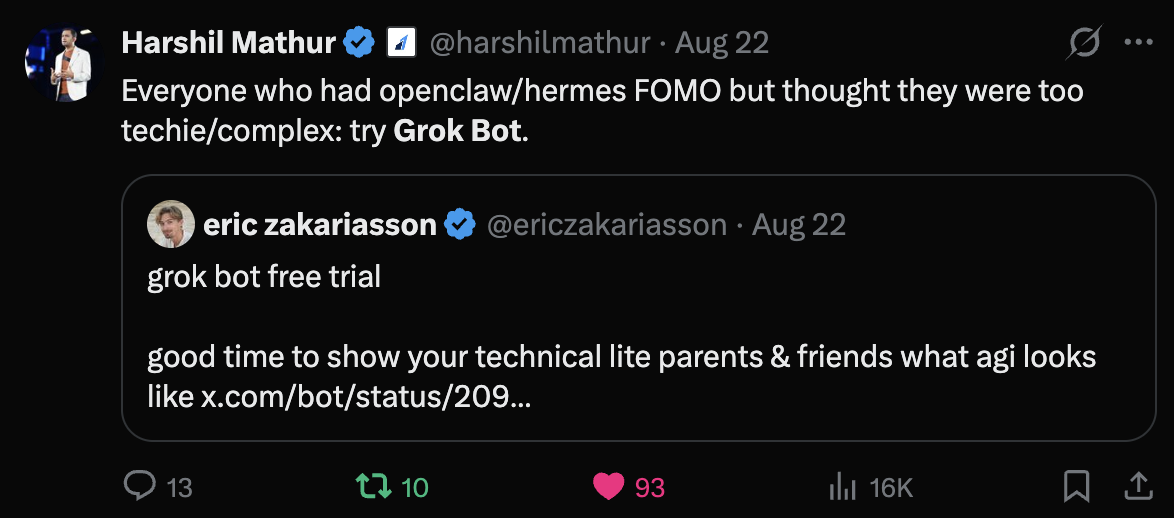
Grok Bot 101Why Grok Bot today
Easiest place to try everything above.
Onboard
It walks you through it.
Tools
Plugins for mail and calendar. A browser when it needs one.
Loops
A routine is one sentence. It runs with the lid closed.
We'll probably do a Grok Bot event in Ahmedabad soon.
Grok Bot 101Resources
Templates
Meeting Brief
x.ai/bot
Shopping
x.ai/bot
Paid Thanks
x.ai/bot
How Was My Day
x.ai/bot
It's Live
x.ai/bot
Docs and posts
Grok Bot 101 Grok Bot 101
Recap
- A chat answers. An agent has a job, some context, and tools.
- Onboard, then tools, then loops.
- Start with one bot.
- Grok Bot is the easy way to run that after you shut the laptop.
Questions?